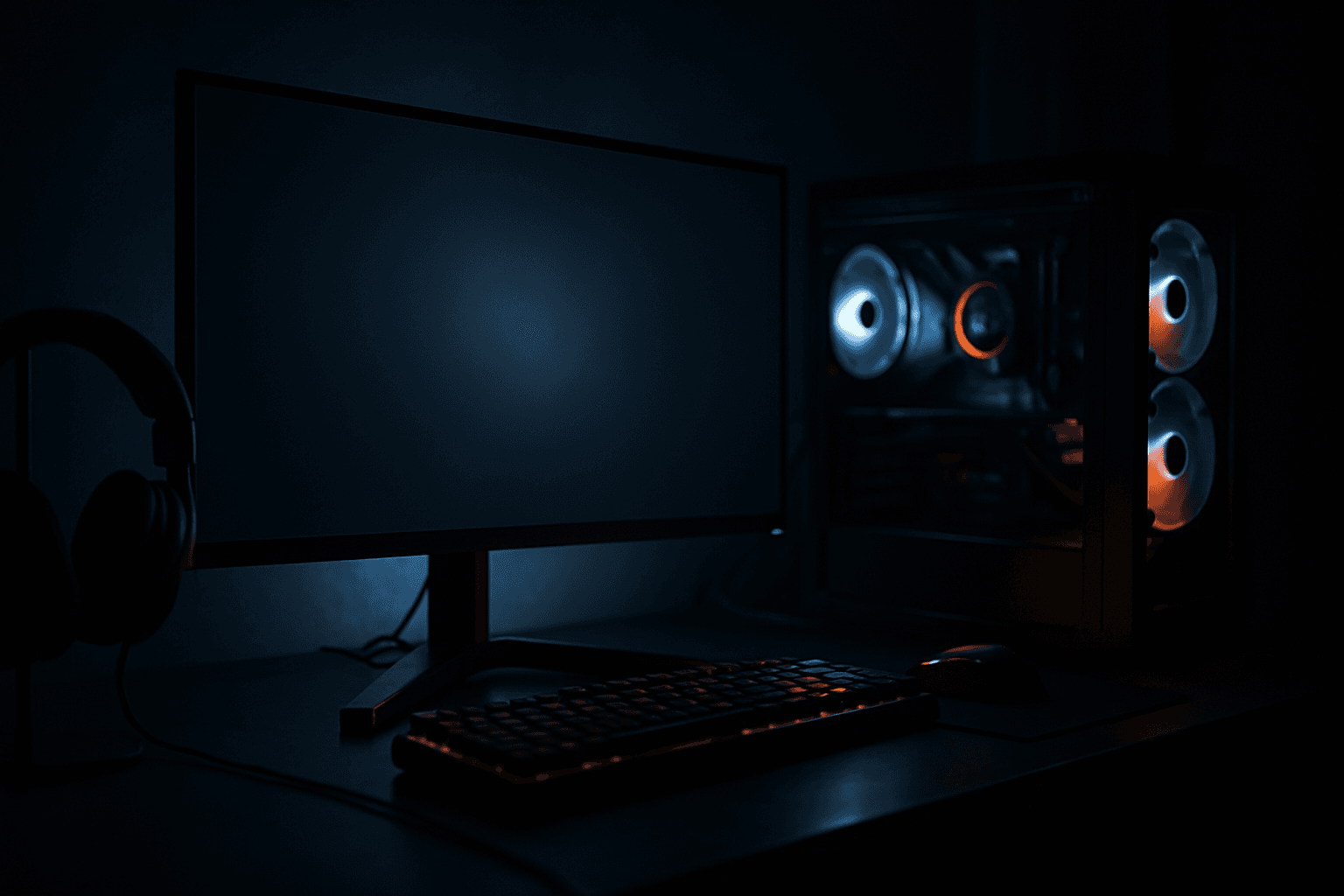








Choosing a gaming monitor in 2026 is akin to walking a tightrope where every decision counts. Most guides shamelessly waffle around, but here's the hard truth: the landscape of OLED vs IPS, 1440p vs 4K, 144Hz vs 240Hz, and G-Sync vs FreeSync is a minefield you can conquer with the right insights. This guide strips out the guesswork and delivers what you need to know, effectively and efficiently.
OLED vs IPS: The Color Conundrum
It’s safe to say that OLED has become the darling of tech-enthusiast circles due to its unparalleled contrast ratios and true blacks. Yet, the war between OLED and IPS rages on. For gamers who crave a vibrant, fast-paced experience, the high refresh rate and improved response times offered by some of the latest OLED models cannot be ignored. Models like the Sony INZONE M9, priced at around $1,299, open up this realm to those willing to invest.
Conversely, IPS panels like the LG UltraGear 27GN950-B still allure with excellent color accuracy and broad viewing angles. For gaming in well-lit areas or if you're budget-conscious, a top-tier IPS priced between $699–$899 might be your best bet. Ultimately, if uncompromised image quality is more of a priority than a slightly slower response time, stick with IPS.
Resolution and Refresh Rate: The Numbers Game
If you're still squabbling over 1440p vs 4K in 2026, cut it out. The choice largely hinges on your graphics card. If you're rocking a NVIDIA RTX 5090 or AMD RX 7900 XT and pushing for maximum fidelity, then 4K at 120Hz or above is not just preferable—it's virtually obligatory. The aoc Agon AG324UX running 4K at 144Hz for around $999 is one stellar option if you’re geared with a high-end GPU.
For others balancing the scales between performance and quality without draining the wallet dry, consider going for a high refresh rate 1440p setup. This can maximize FPS rates without a fortune. Pair it with one of the best mid-range GPUs for PC gaming to achieve a symbiotic balance that's more wallet-friendly and still delivers superb gameplay.
27-inch vs 32-inch: The Size Dilemma
Bigger isn’t always better. A 27-inch monitor like the ASUS TUF Gaming VG27AQ is the sweet spot for most desks. Priced at a reasonable $499, it offers stellar pixel density and interaction without neck-breaking. But if you're enveloped in a larger gaming den and have a powerful enough rig, a 32-inch screen like the Samsung Odyssey G7 epitomizes the full cinema experience.
Given the credo of immersion above all, choose size based on desk space and the distance between you and the screen. Cramped conditions? Stick with a 27-inch. Ample space in a roofy basement? A 32-inch could be your Holy Grail.
G-Sync vs FreeSync: The Sync Saga
The G-Sync vs FreeSync discussion in 2026 remains largely about ecosystem compatibility. While NVIDIA G-Sync still offers a robust experience, the premium cost attached to G-Sync certified monitors might deter budget-minded gamers. Moreover, G-Sync Compatible monitors are now arguably just as effective with the versatility to run FreeSync with an AMD unit or G-Sync with an NVIDIA setup. For less than $600, the Gigabyte M32Q supports both sync technologies and breaks the barrier of compromise.
The best gaming monitor for you incorporates a syncing solution that matches your existing or planned GPU. Should one opt for something less mainstream but utterly effective, products like any of the listed on Digital Foundry deliver plenty of critical reviews that corroborate and validate these selections.
Bottom Line
To cut through the noise, here’s the straightforward mantra: A 27-inch, 1440p, 165Hz IPS monitor with flexible G-Sync/FreeSync compatibility is apt for most setups and remains cost-effective through 2026. However, for a future-proof, visually arresting experience with no budget boundaries, invest in an OLED, 4K, 120Hz display. Remember, this gaming monitor buying guide 2026 emphasizes what fits your current hardware and gaming style, not just what's hot on Reddit threads.