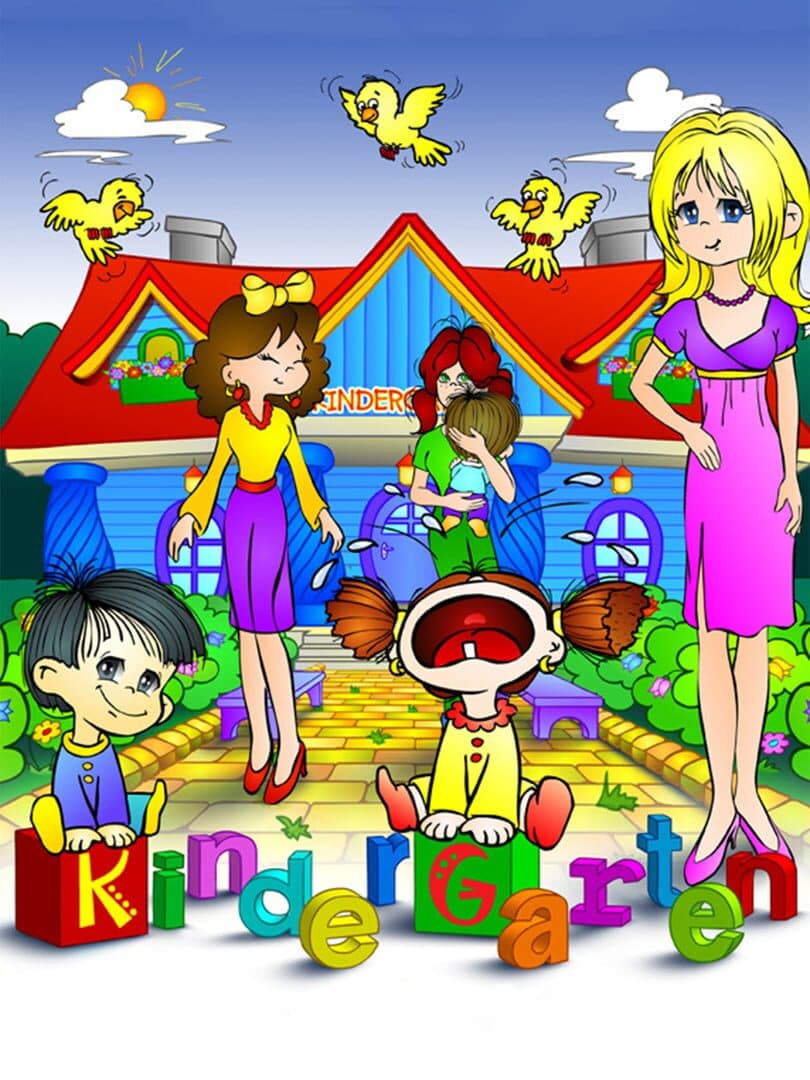

Kindergarten
Can your GPU run this game?
Estimated FPS across quality settings and resolutions
Search for your GPU above to see a full FPS breakdown at every quality and resolution.
Kindergarten FPS by GPU
Estimated framerates for 14 reference GPUs · pick a resolution and quality
Full benchmark grid · 14 GPUs × 4 qualities × 3 resolutions
1080p performance
| GPU | low | medium | high | ultra |
|---|---|---|---|---|
| RTX 5090 | 999 fps | 999 fps | 999 fps | 999 fps |
| RTX 4090 | 999 fps | 999 fps | 999 fps | 999 fps |
| RX 7900 XTX | 999 fps | 999 fps | 999 fps | 999 fps |
| RTX 5080 | 999 fps | 999 fps | 999 fps | 999 fps |
| RTX 4080 Super | 999 fps | 999 fps | 999 fps | 999 fps |
| RTX 4070 Ti | 999 fps | 999 fps | 999 fps | 999 fps |
| RTX 4070 | 999 fps | 999 fps | 999 fps | 867 fps |
| RX 7800 XT | 999 fps | 999 fps | 940 fps | 763 fps |
| RTX 3080 | 999 fps | 999 fps | 914 fps | 743 fps |
| RTX 4060 Ti | 999 fps | 999 fps | 863 fps | 702 fps |
| RTX 3070 | 999 fps | 984 fps | 787 fps | 640 fps |
| RTX 4060 | 999 fps | 889 fps | 711 fps | 578 fps |
| RTX 3060 | 952 fps | 762 fps | 610 fps | 495 fps |
| GTX 1660 Super | 690 fps | 552 fps | 442 fps | 359 fps |
1440p performance
| GPU | low | medium | high | ultra |
|---|---|---|---|---|
| RTX 5090 | 999 fps | 999 fps | 999 fps | 999 fps |
| RTX 4090 | 999 fps | 999 fps | 999 fps | 999 fps |
| RX 7900 XTX | 999 fps | 999 fps | 999 fps | 999 fps |
| RTX 5080 | 999 fps | 999 fps | 999 fps | 999 fps |
| RTX 4080 Super | 999 fps | 999 fps | 999 fps | 960 fps |
| RTX 4070 Ti | 999 fps | 999 fps | 933 fps | 758 fps |
| RTX 4070 | 999 fps | 999 fps | 800 fps | 650 fps |
| RX 7800 XT | 999 fps | 881 fps | 705 fps | 573 fps |
| RTX 3080 | 999 fps | 857 fps | 686 fps | 557 fps |
| RTX 4060 Ti | 999 fps | 810 fps | 648 fps | 526 fps |
| RTX 3070 | 923 fps | 738 fps | 590 fps | 480 fps |
| RTX 4060 | 833 fps | 667 fps | 533 fps | 433 fps |
| RTX 3060 | 714 fps | 571 fps | 457 fps | 371 fps |
| GTX 1660 Super | 518 fps | 414 fps | 331 fps | 269 fps |
4K performance
| GPU | low | medium | high | ultra |
|---|---|---|---|---|
| RTX 5090 | 999 fps | 999 fps | 853 fps | 693 fps |
| RTX 4090 | 999 fps | 990 fps | 792 fps | 644 fps |
| RX 7900 XTX | 999 fps | 889 fps | 711 fps | 578 fps |
| RTX 5080 | 999 fps | 838 fps | 670 fps | 545 fps |
| RTX 4080 Super | 984 fps | 787 fps | 630 fps | 512 fps |
| RTX 4070 Ti | 778 fps | 622 fps | 498 fps | 404 fps |
| RTX 4070 | 667 fps | 533 fps | 427 fps | 347 fps |
| RX 7800 XT | 587 fps | 470 fps | 376 fps | 305 fps |
| RTX 3080 | 571 fps | 457 fps | 366 fps | 297 fps |
| RTX 4060 Ti | 540 fps | 432 fps | 345 fps | 281 fps |
| RTX 3070 | 492 fps | 394 fps | 315 fps | 256 fps |
| RTX 4060 | 444 fps | 356 fps | 284 fps | 231 fps |
| RTX 3060 | 381 fps | 305 fps | 244 fps | 198 fps |
| GTX 1660 Super | 276 fps | 221 fps | 177 fps | 144 fps |

Where to buy
Kindergarten
affiliate
Minimum Hardware
* Amazon links are affiliate links. We may earn a commission at no extra cost to you.
About
To run this time-management game effectively, an entry-level GPU like the GTX 1650 or RX 6500 XT is sufficient for smooth gameplay. Given its simple graphics and low system requirements, the game is quite accessible for a wide range of hardware. Even integrated graphics from modern CPUs could manage basic settings, but a dedicated GPU will ensure a more reliable experience, particularly when multitasking or running other applications.
For optimal performance, target 1080p resolution with medium settings if you have a GTX 1650 or equivalent. Higher-end systems with GPUs like the GTX 1660 or RX 6600 can comfortably handle higher settings at 1440p, providing a more vibrant visual experience. Overall, this game is designed to run smoothly on modest hardware, making it a great choice for casual gamers or those with budget setups.
Performance profile
Extremely light — Kindergarten runs at 60 FPS 1080p on any integrated GPU (Intel Iris Xe, AMD Radeon Graphics) or a decade-old discrete card like the GTX 1050. A current-gen RTX 4060 pushes 4K Ultra without effort.